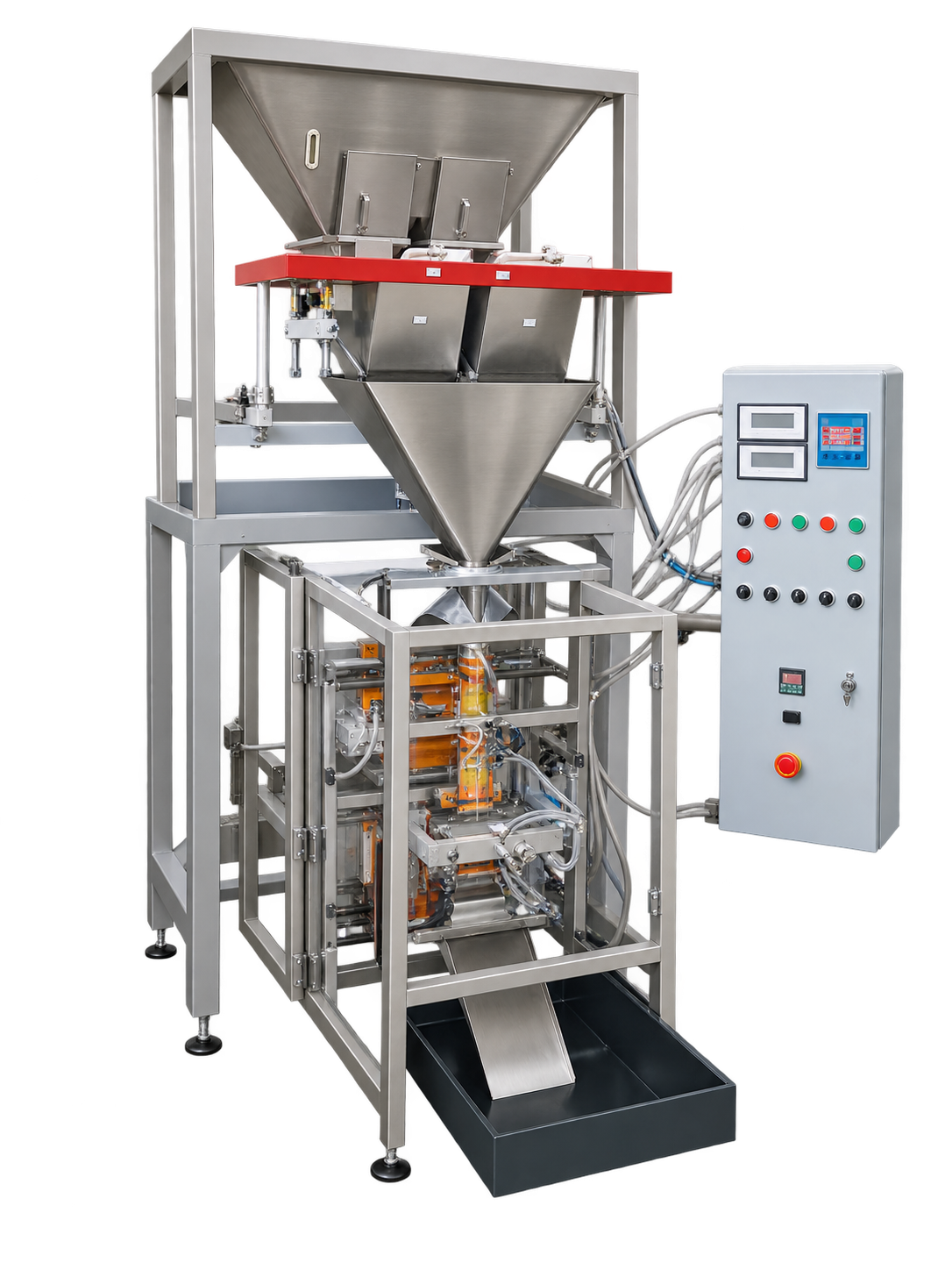
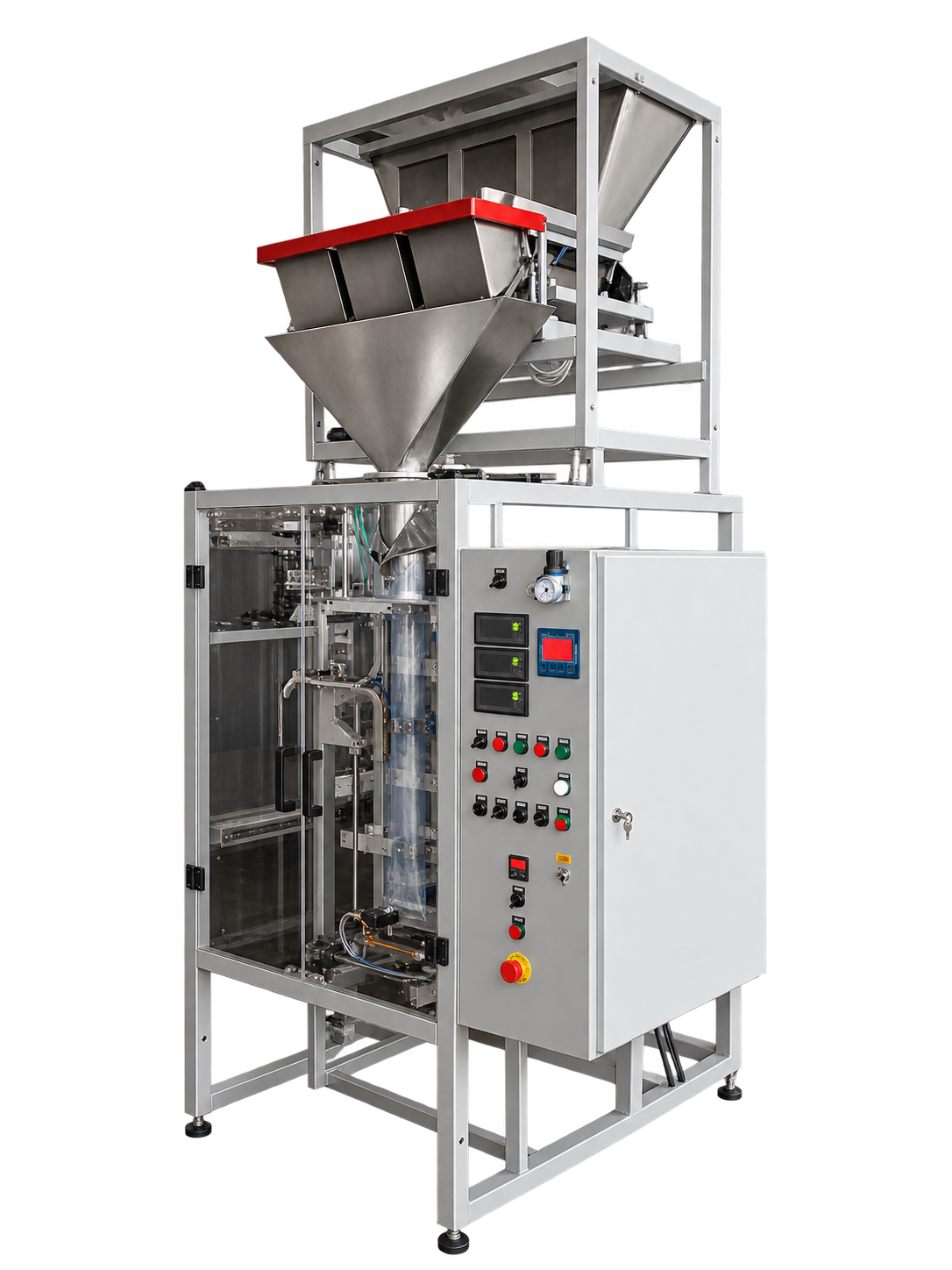
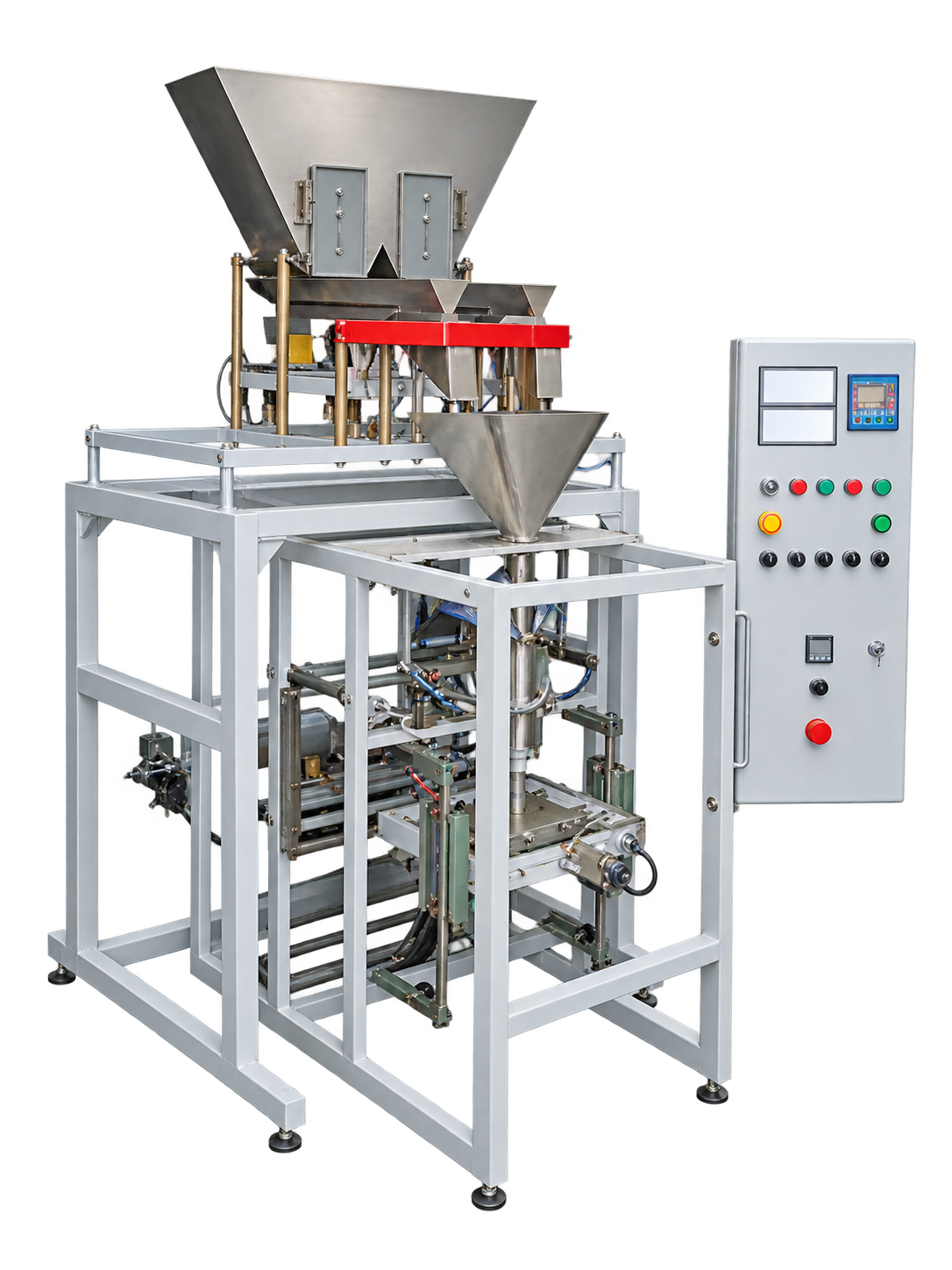
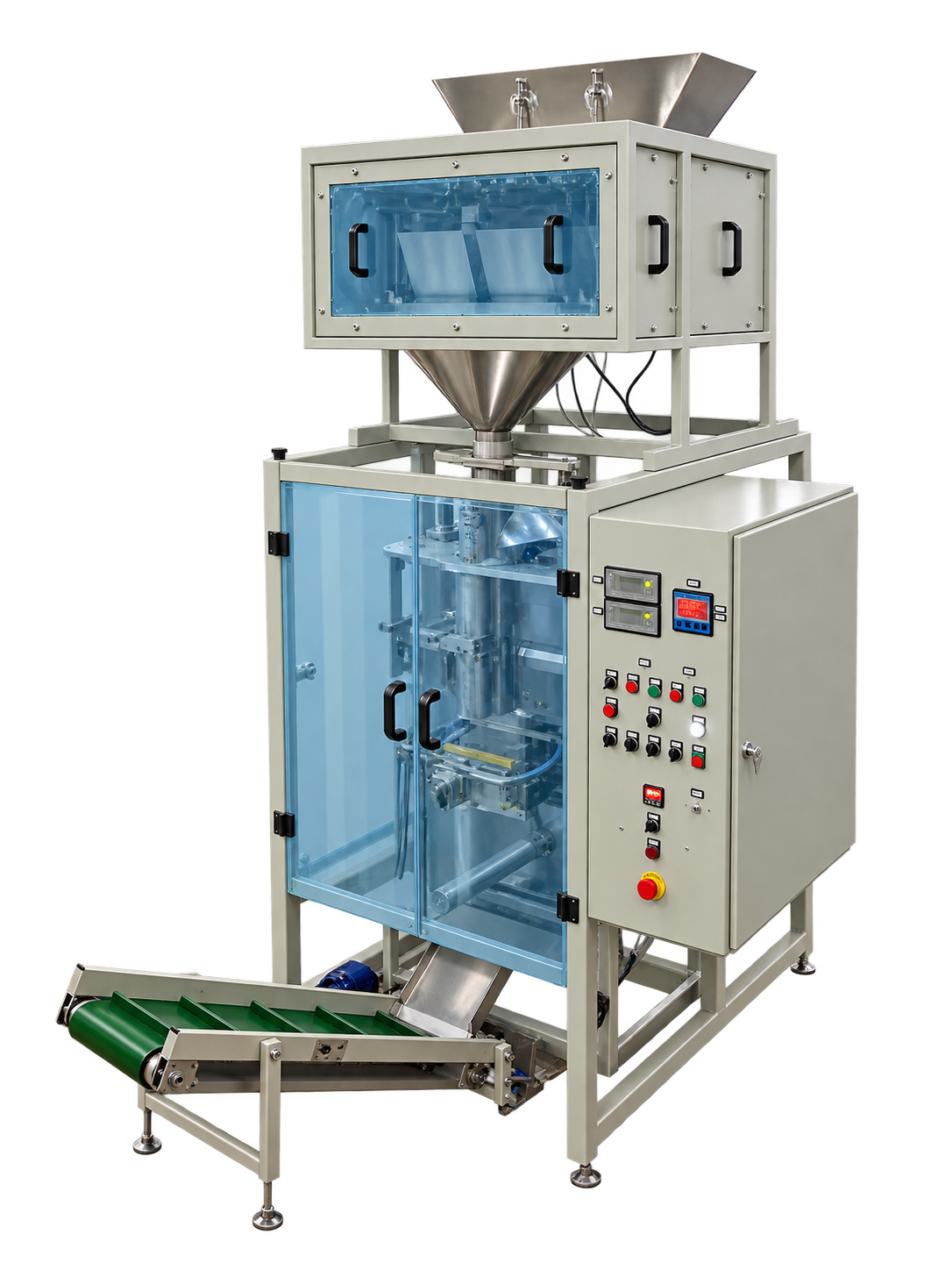
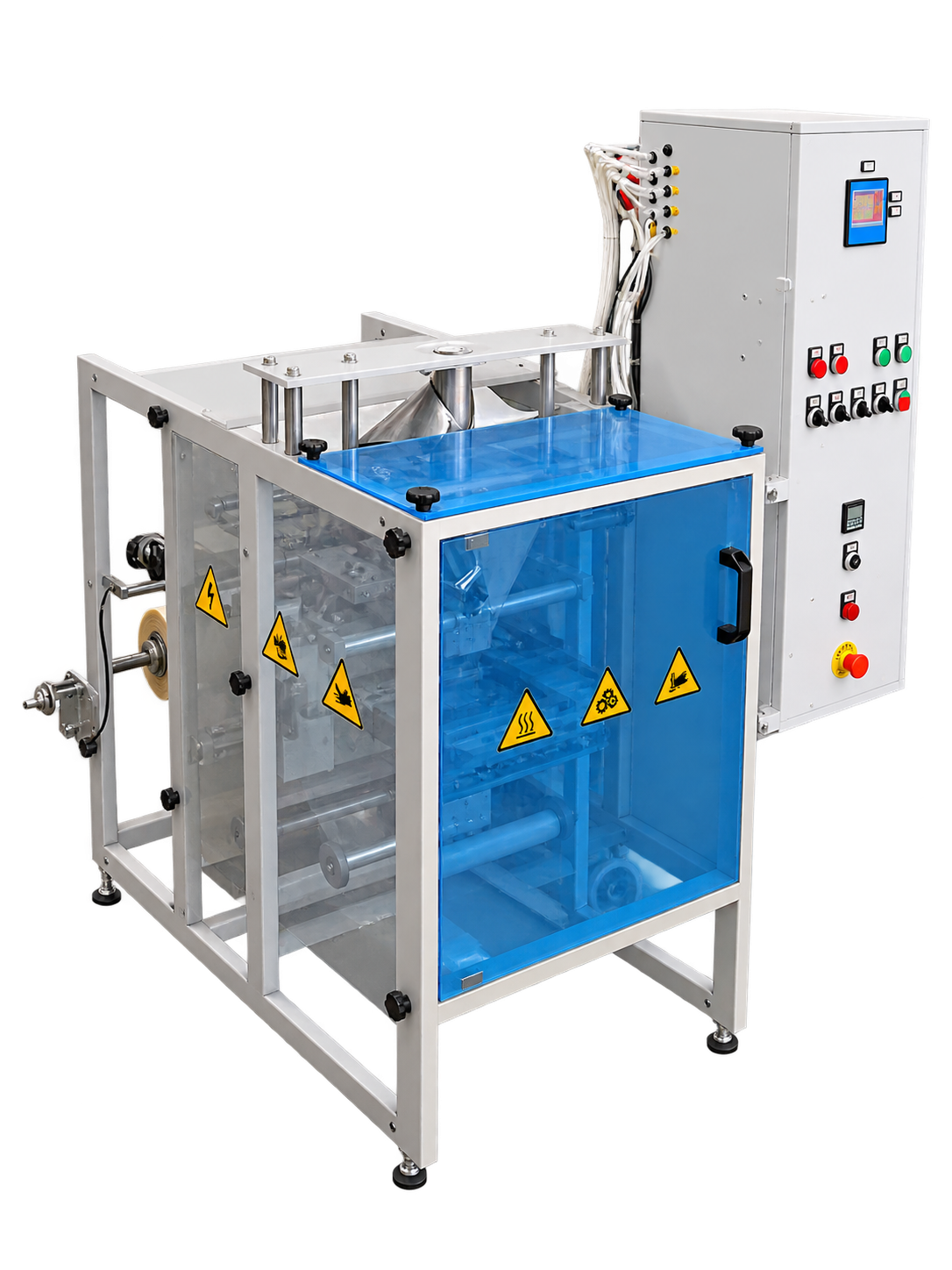
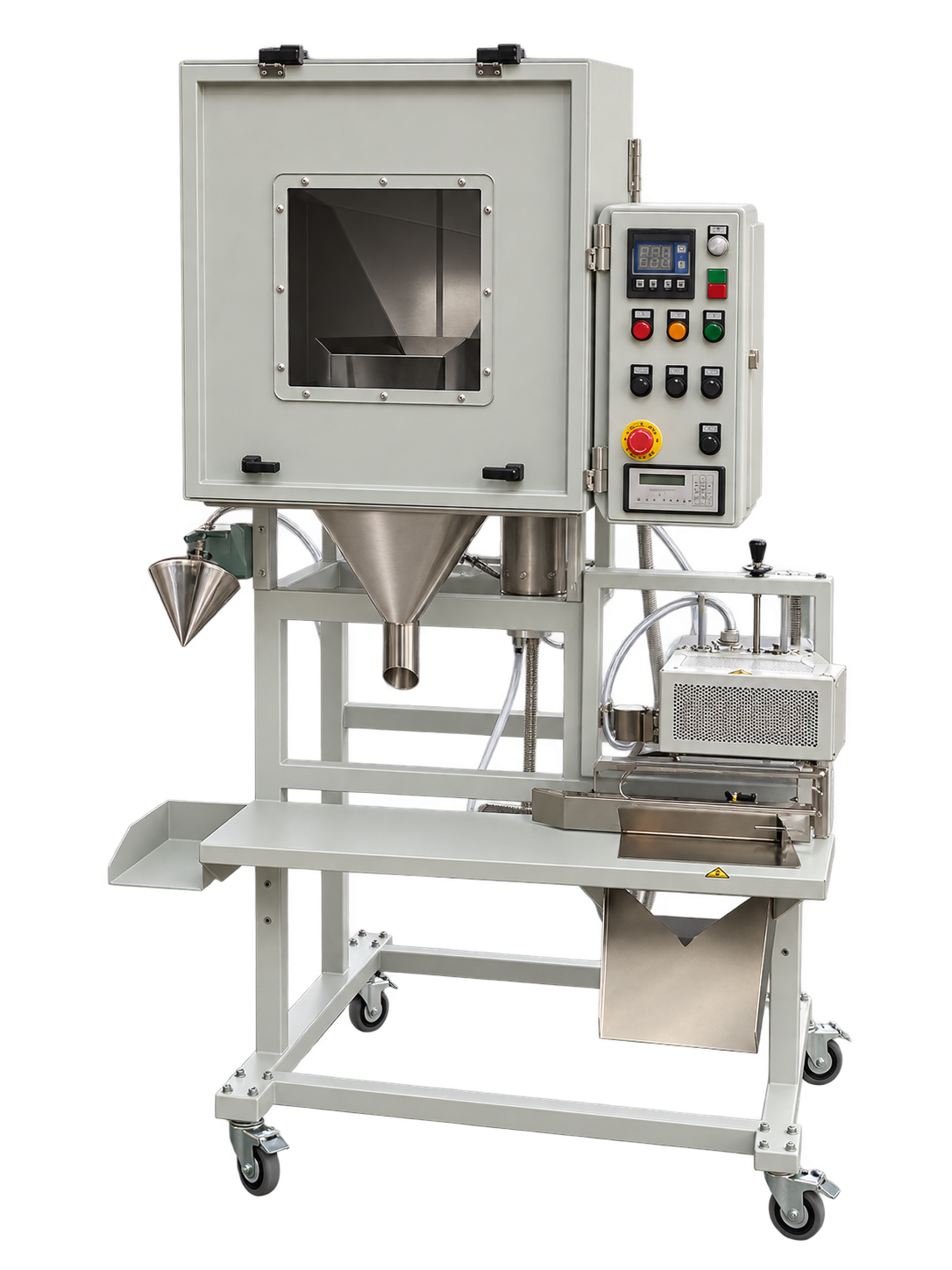
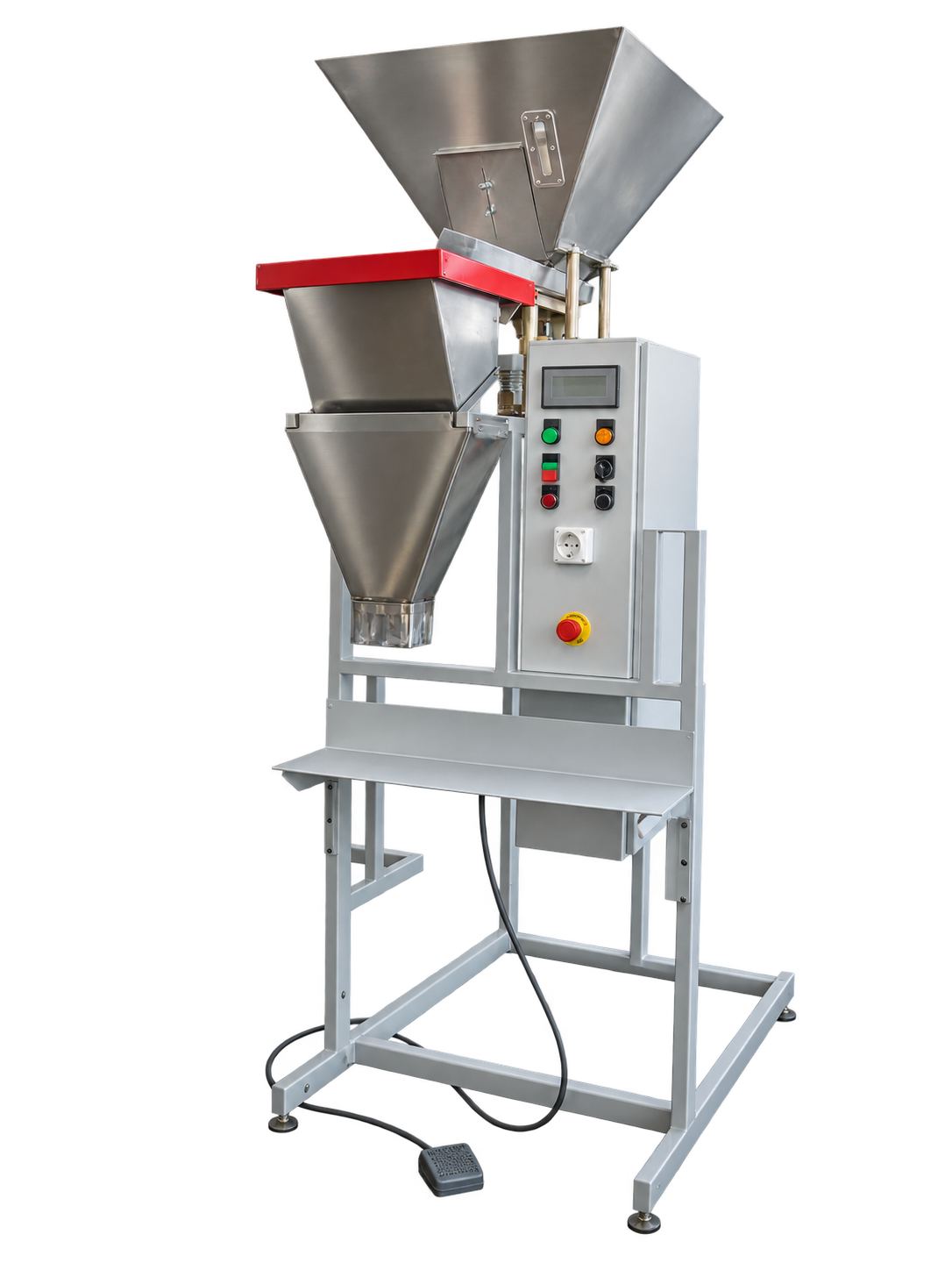
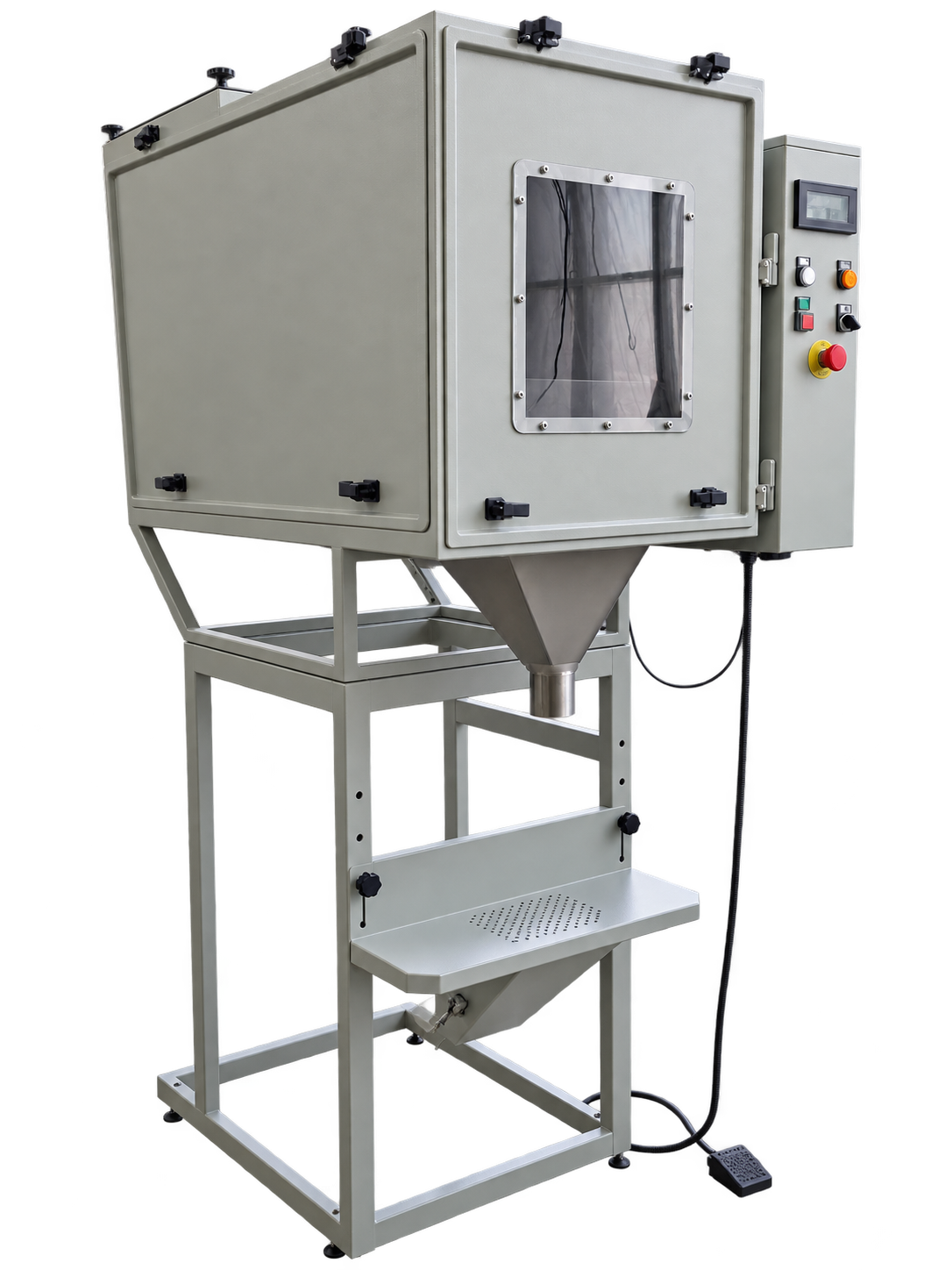
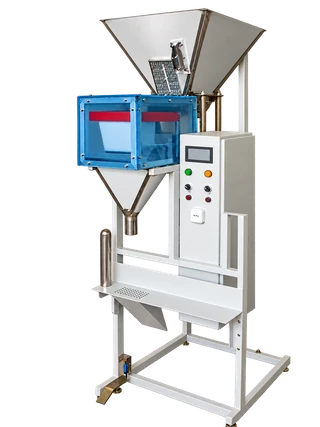
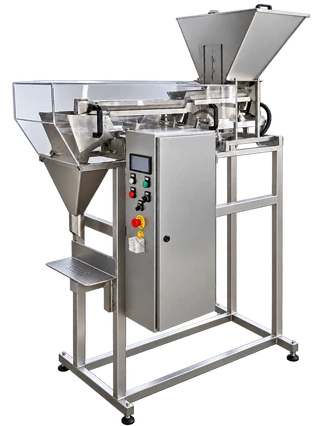
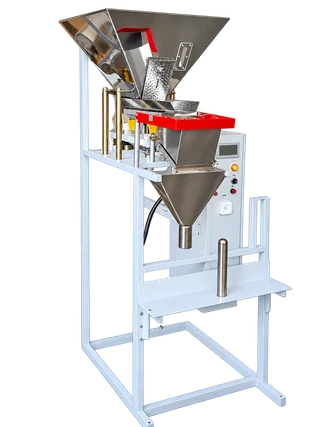
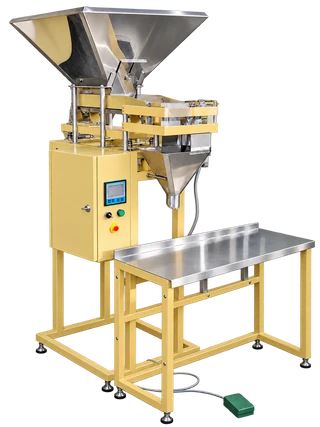
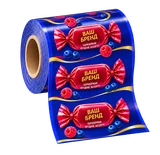
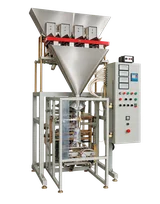
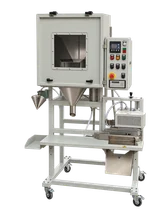
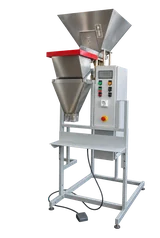
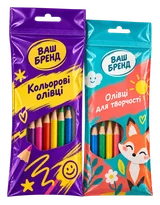
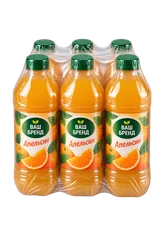
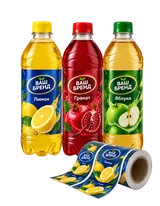
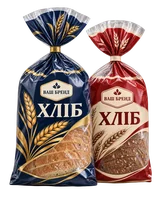
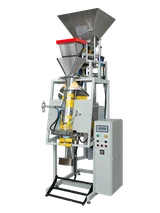
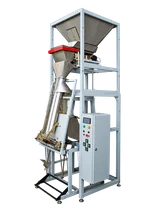
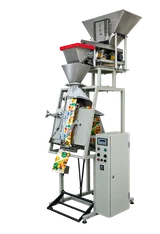
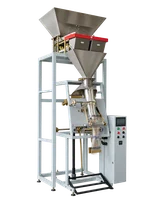
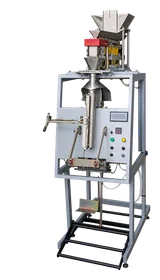
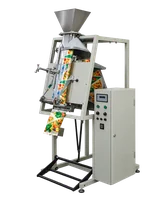
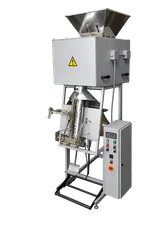
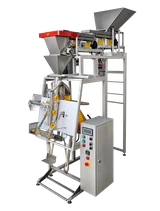
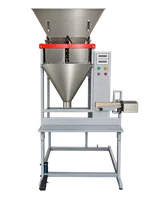
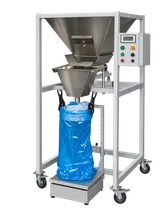
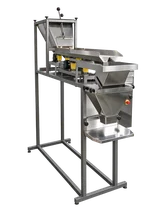
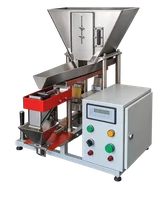
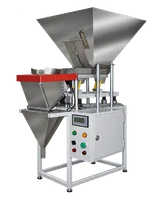
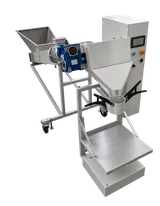
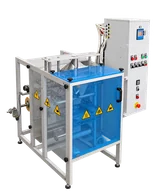
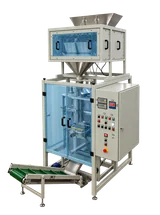
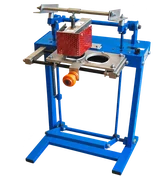
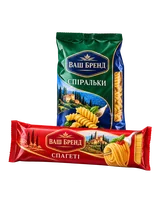
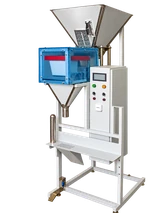
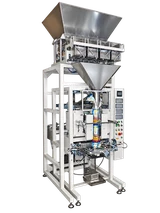
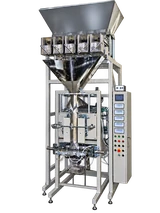
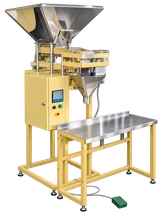
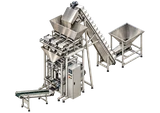
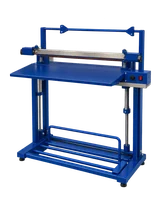
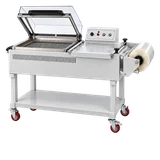
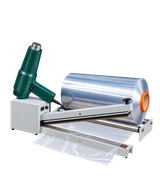
Select MPPFO, UFU-3 or INTA equipment for your product, pack weight and packaging. Compare automatic packing from film with dosing into premade bags or prepared containers.
The configuration is defined after reviewing the product and packaging.
Compare models for your task
Choose up to three models. Compare the operation, packaging and operator involvement.
Choose models from the lists or add them from the cards below.
Scroll the table horizontally. Keyboard: Tab to the table, then use the arrow keys.
Compare models for your task
Do the models look similar? Describe your product and process — the manager can explain the configuration differences. Portion weight and packaging format will help if you already know them.
Start with the process you need: weighing and dosing, packing in film, or filling prepared bags and containers.
Automatic gravimetric dosing
Automatic MPPFO and INTA models with gravimetric dosing. Compare the required process and packaging format.
Automatic
MPPFO 1
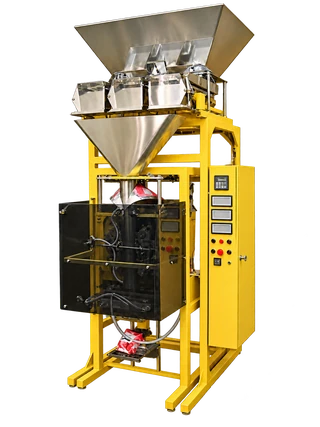
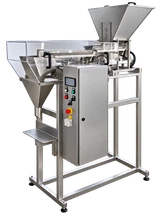
Electronic weighed dosing and automatic film packing of free-flowing products. Configurations with one, two or three feeders are selected for product and portion; base-machine and full-assembly specifications are shown separately.
Automatic weighed packing of 0.5–100 g portions into film bags. A configuration with one, two or three electronic weighing feeders is selected for the compatible free-flowing product.
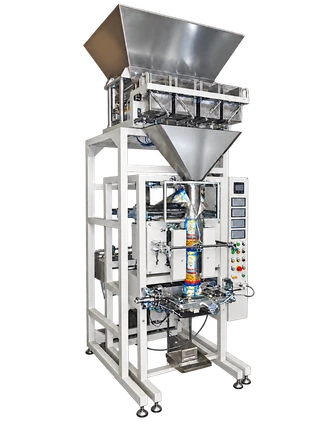
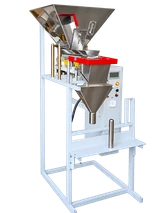
Automatic weighed packing of 30–1000 g portions into film bags. A configuration with one, two or three electronic weighing feeders is selected for the compatible free-flowing product.
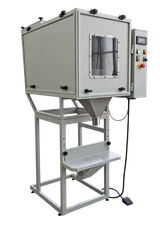
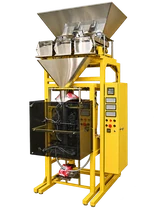
Electronic weighed dosing and automatic multilayer-film packing. The protective-box configuration is intended for compatible moderately dusty products; feeder count is selected for the application.
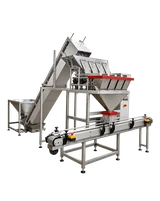
INTA AR-V3 is an automatic machine that weighs free-flowing products and forms bags from roll film. Three weighing buckets supply a shared packaging section. Select the configuration for the product, dose and bag.
INTA AR-V4 is an automatic machine that weighs free-flowing products and forms bags from roll film. Four weighing buckets supply a shared packaging section. Select the configuration for the product, dose and bag.
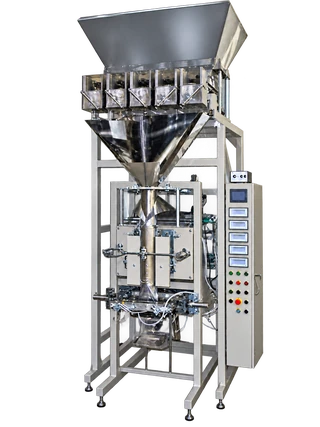
INTA AR-V5 is an automatic machine that weighs free-flowing products and forms bags from roll film. Five weighing buckets supply a shared packaging section. Select the configuration for the product, dose and bag.
MPPFO 4 works with an agreed film; MPPFO 7 is configured for the production process.
Film
MPPFO 4
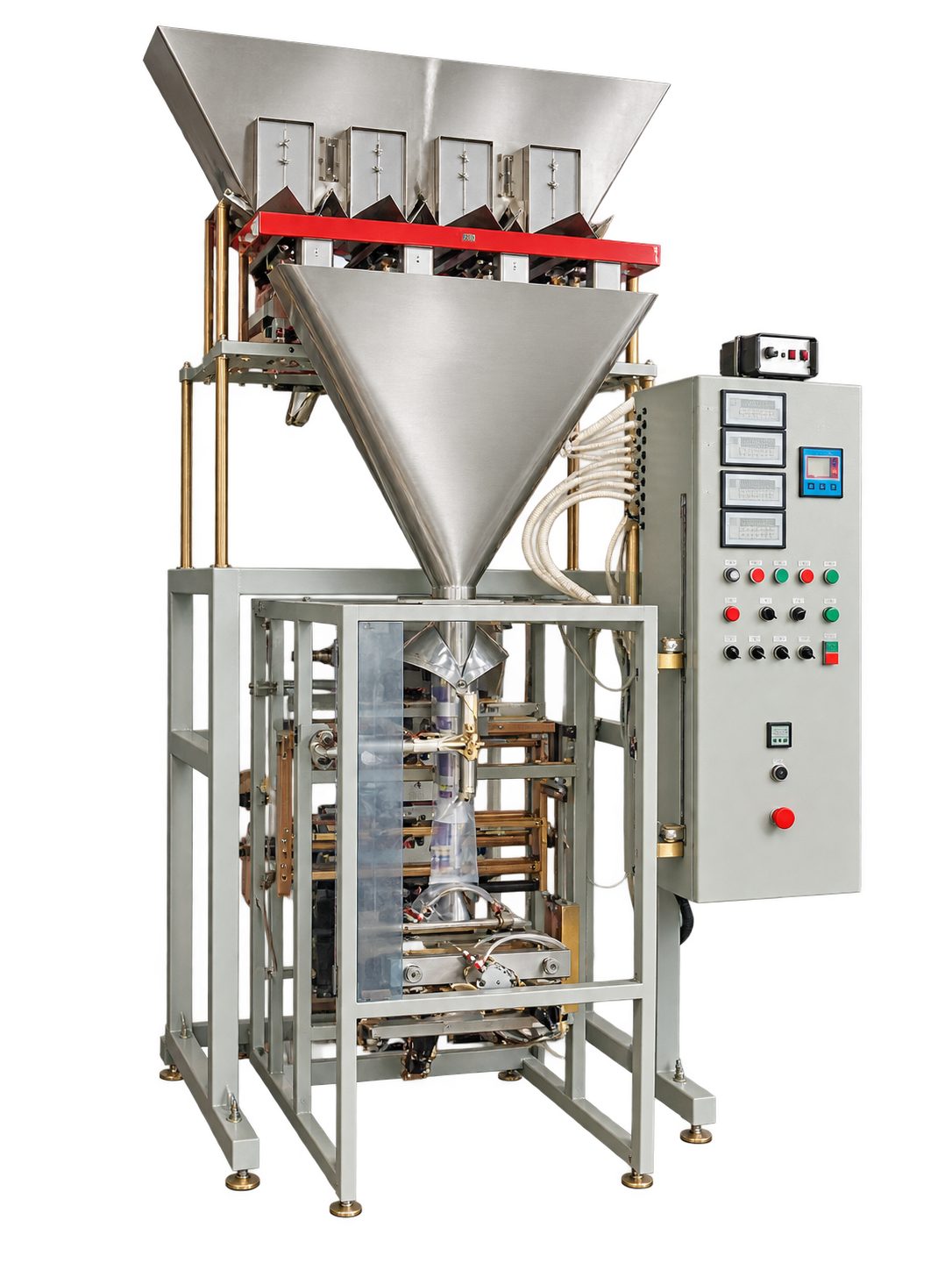
Automatic weighed packing of 0.5–100 g portions into film bags. Four electronic weighing feeders handle compatible free-flowing products, including seeds, nuts and instant porridge.
A distinct automatic packing machine for an agreed product and package format. Feeding, dosing and coordination with adjacent equipment are selected for the specific workstation.
Semi-automatic scenarios with operator involvement and a predefined packaging format.
Doy-pack
MPPFO 21
Meters free-flowing product into a prepared Doy-pack, Stabilo or flat-bottom bag. The semi-automatic process includes automatic sealing and discharge of the filled bag. Single-head and two-head weighing configurations are available separately.
Weighed dosing of free-flowing product into prepared containers. Intended for compatible products without lumps or strong sticking. Container type, dose and semi-automatic workflow are selected for the application.
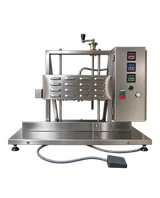
Meters moderately dusty bulk product into prepared containers. A vibrating tray feeds the weighing bucket. When the dose is reached, feeding stops and the ready indicator lights up; the operator presses a pedal to discharge the portion.
UFU-3 15 meters free-flowing products without strong sticking or clumping into prepared Doy-pack bags, including coffee, tea, herbal mixes and spices. The operator uses a prepared bag; the machine does not form bags from roll film.
UFU-3 15-2 is a semi-automatic dispenser for difficult-flowing, moderately dusty products prone to clumping or sticking, including herbal mixes, spices and fatty powders. It fills prepared containers selected for the product.
UFU-3 16 meters free-flowing products without strong sticking or clumping into prepared Doy-pack bags, including coffee, tea, herbal mixes and spices. The operator uses a prepared bag; the machine does not form bags from roll film.
INTA V2 is a two-channel weigher for filling free-flowing products into prepared containers. The operator places a container under the funnel and presses the pedal to release a formed dose, then replaces the container.
These items organise feeding, discharge and accumulation. They are not stand-alone packaging machines.
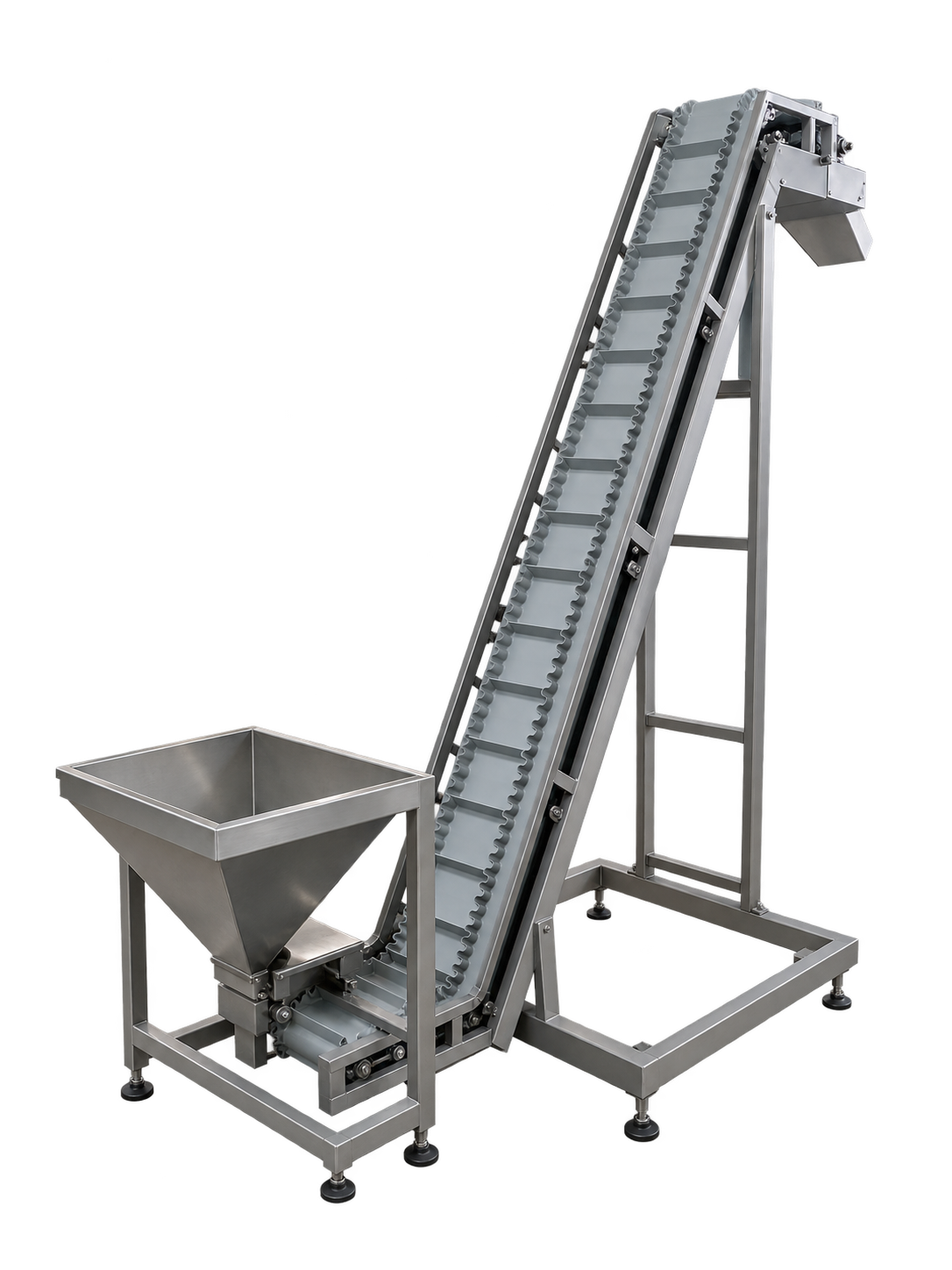
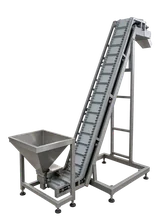
Universal infeed conveyor
An input node for conveying a compatible free-flowing product. It transfers product to the next unit, where suitable equipment performs dosing and packing. The feed type and connection height are selected for the product and existing equipment.
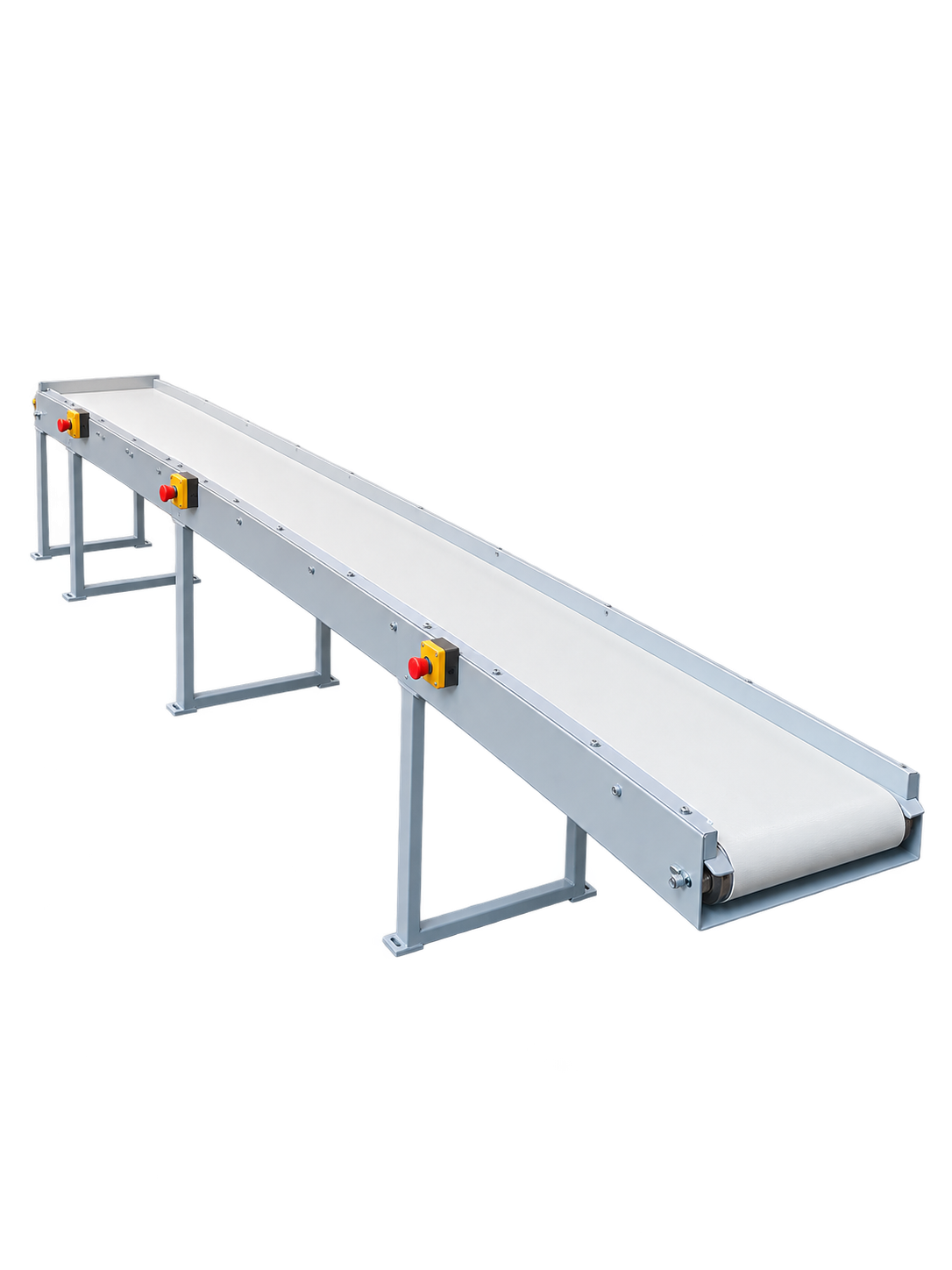
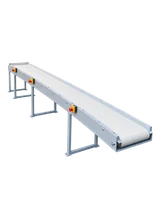
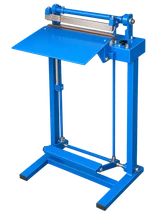
An output node in a packing line. It receives finished packages and conveys them to the next operation. Length, transfer height and the receiving surface position are agreed for the existing packing unit.
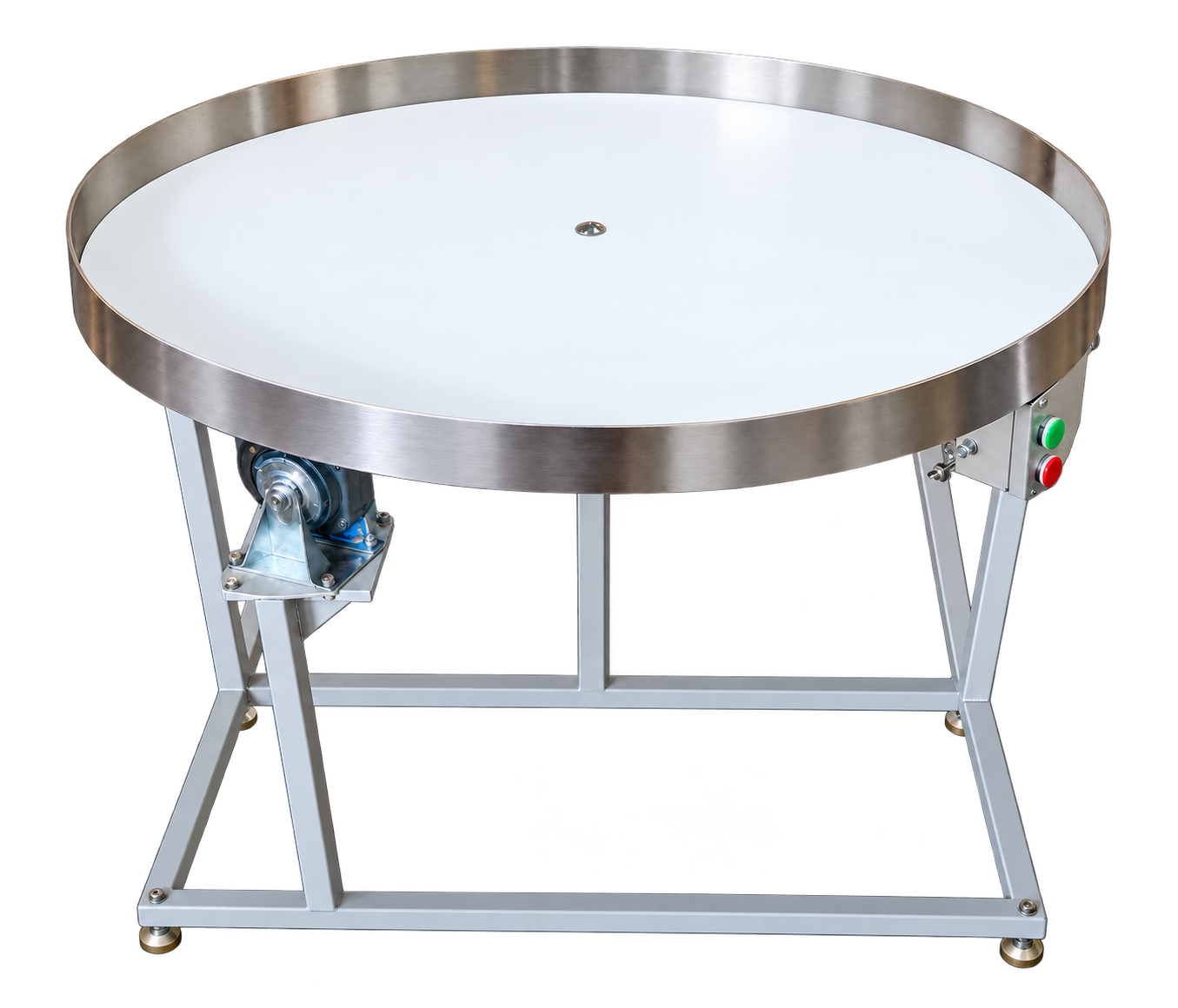
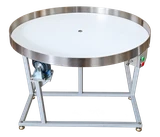
An output node for accumulating finished packages. Its rotating surface receives packages after the conveyor and makes them available at the packing team’s workstation. Selection depends on the transfer geometry and finished package format.
Selection starts with how the product behaves during feeding and dosing, not with a machine name.
Grains
Consider MPPFO 3 for grains. Specify particle size, flowability and the required portion weight.
Seeds
Consider MPPFO 3 for seeds. Size, shape, fragility and the feeding method help determine the configuration.
Dry mixes
We consider free-flowing mixes that do not stick or form lumps. Dust and caking require a separate review.
Sugar
We accept sugar as an engineering selection task. A specific model and dosing unit are defined only after product review.
Pasta and snacks
A solution is selected after checking fragility, shape, feeding method and the required packaging format.
Other bulk products
Other compatible products can be considered after reviewing their dosing behaviour and production process.
FAQ
Frequently asked questions
Can a model be selected from the product name alone?
Selection also depends on flowability, particle size, fragility, portion weight and packaging format. The manager can help clarify any details you do not yet know.
Which models use weighing for dosing?
Automatic MPPFO 1, 2, 3, automatic 1G and INTA AR-V3/V4/V5 combine weighing with packing. UFU-3 models 15, 15-2 and 16 dose into premade bags; the INTA V2 dispenser uses prepared containers.
Can the equipment handle sugar, pasta or snacks?
We accept these products as selection tasks. A specific solution is defined after checking product properties, feeding and the required packaging.
Can products be packed into Doy-pack or prepared containers?
MPPFO 21 and UFU-3 models 15, 15-2 and 16 cover premade bags and Doy-pack. For prepared containers, consider MPPFO 14, 20G and INTA V2. MPPFO 21 includes a sealing cycle. Closing the packaging is agreed separately for UFU-3 and prepared-container dispensers.
What will I receive after an enquiry?
A recommended configuration and a quotation based on your task. The manager will specify the operating parameters, availability and delivery time for that configuration.
Engineering enquiry
Get equipment selected for your product
Complete the short form or contact us directly. A manager will clarify the data needed for the technical review and quotation.
Google Analytics and Google Ads measure visits and inquiries from advertising. Microsoft Clarity shows clicks and scrolling. Analytics is on by default; you can turn it off for this browser here.
Learn more
Google Ads uses cookies to link an ad click to an inquiry. Ad personalization is off. Names, contact details and messages entered in the form are not sent to these services. Clarity masks text and runs without cookies; Microsoft may use data for its products and advertising. GA4 event data is retained for up to 14 months. Your opt-out applies while saved in this browser; clearing site data resets it. The inquiry form works independently of analytics. Questions: sales@master-pack.com.ua. MASTER-PACK Privacy Policy · Google privacy · Microsoft privacy